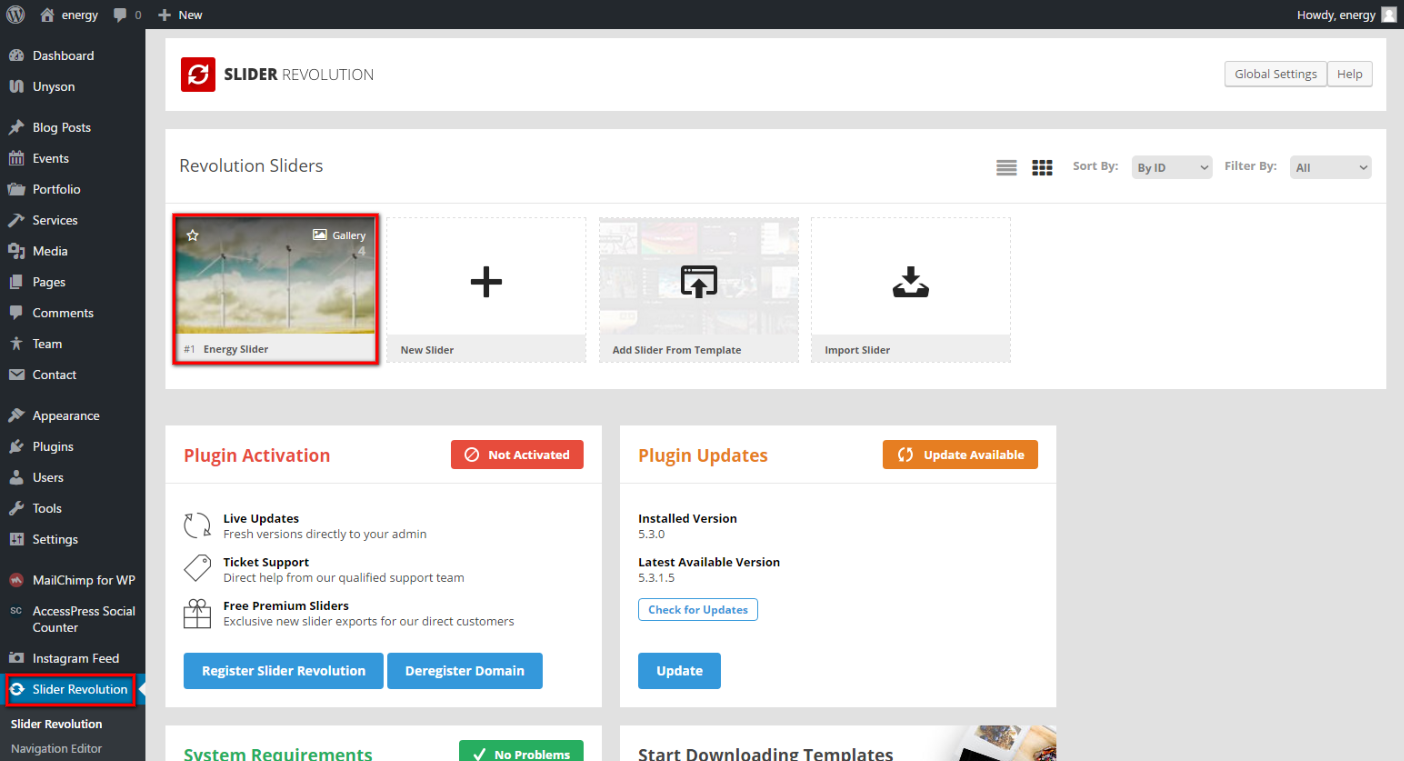
To prepare Slider for your theme, please go in your WP Dashboard => Appearance => Slider Revolution:
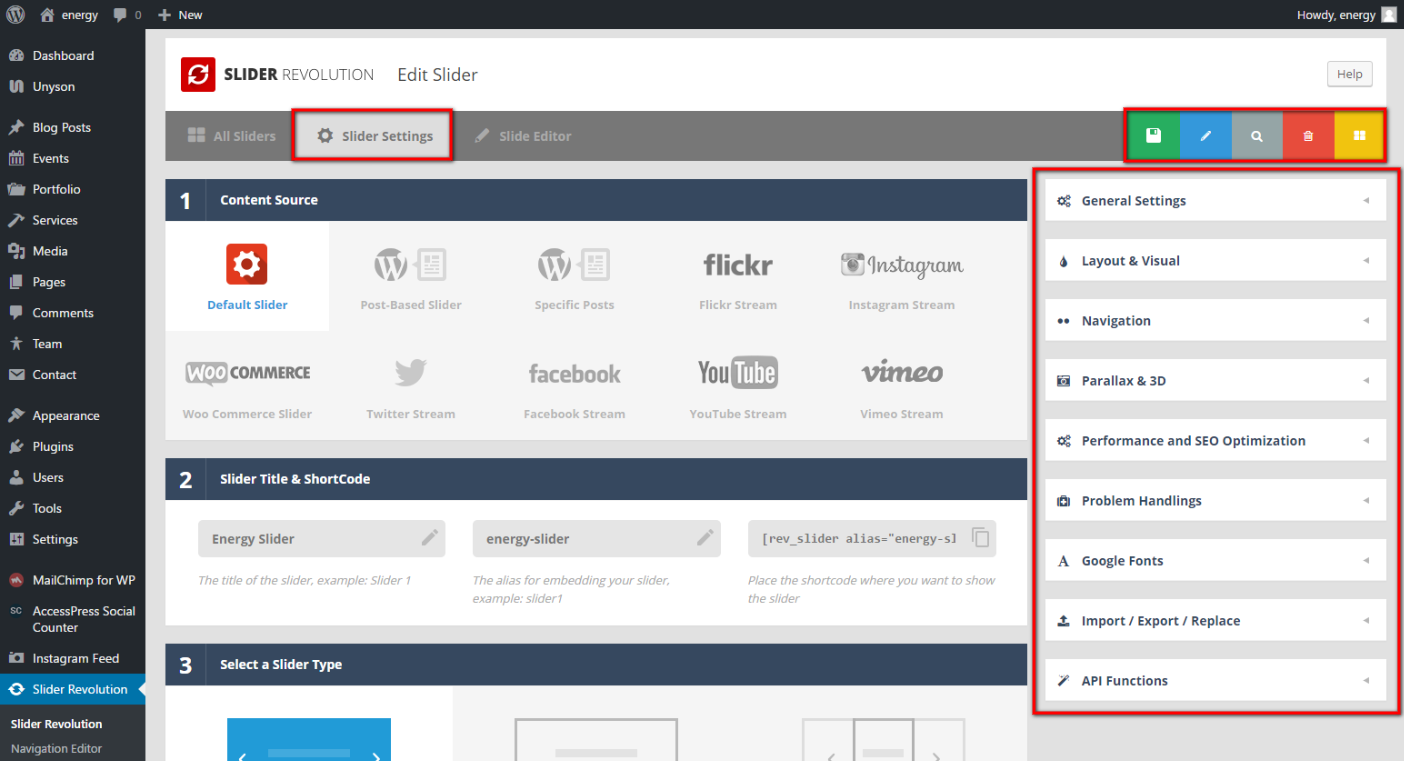
Click the Energy Slider and you will see different settings:
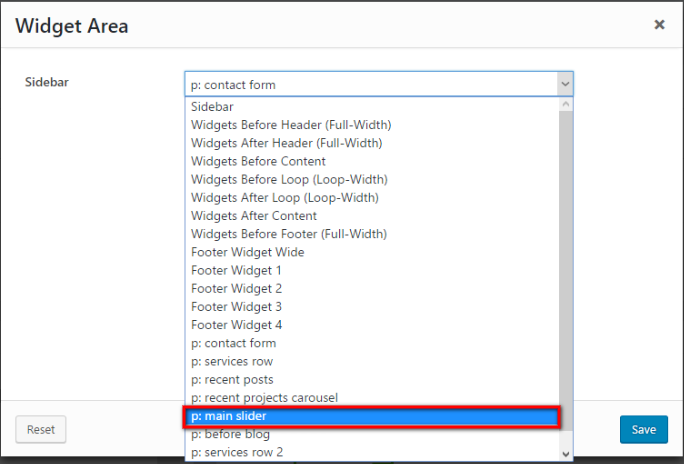
Besides you can select any slider form the Widgets Area list in Unyson Drag & Drop Page Builder for any of your page:
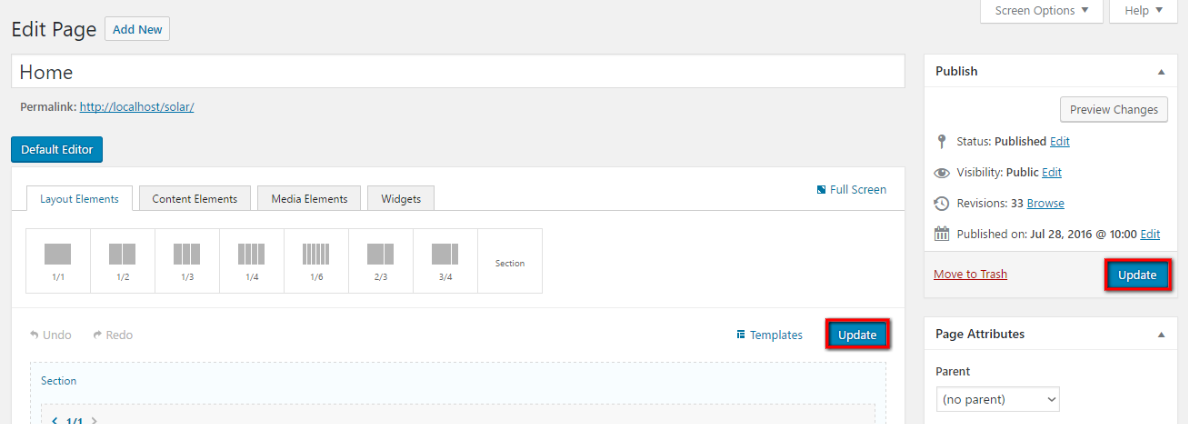
Please always Save and Update all you changes:
Portfolio Customization:
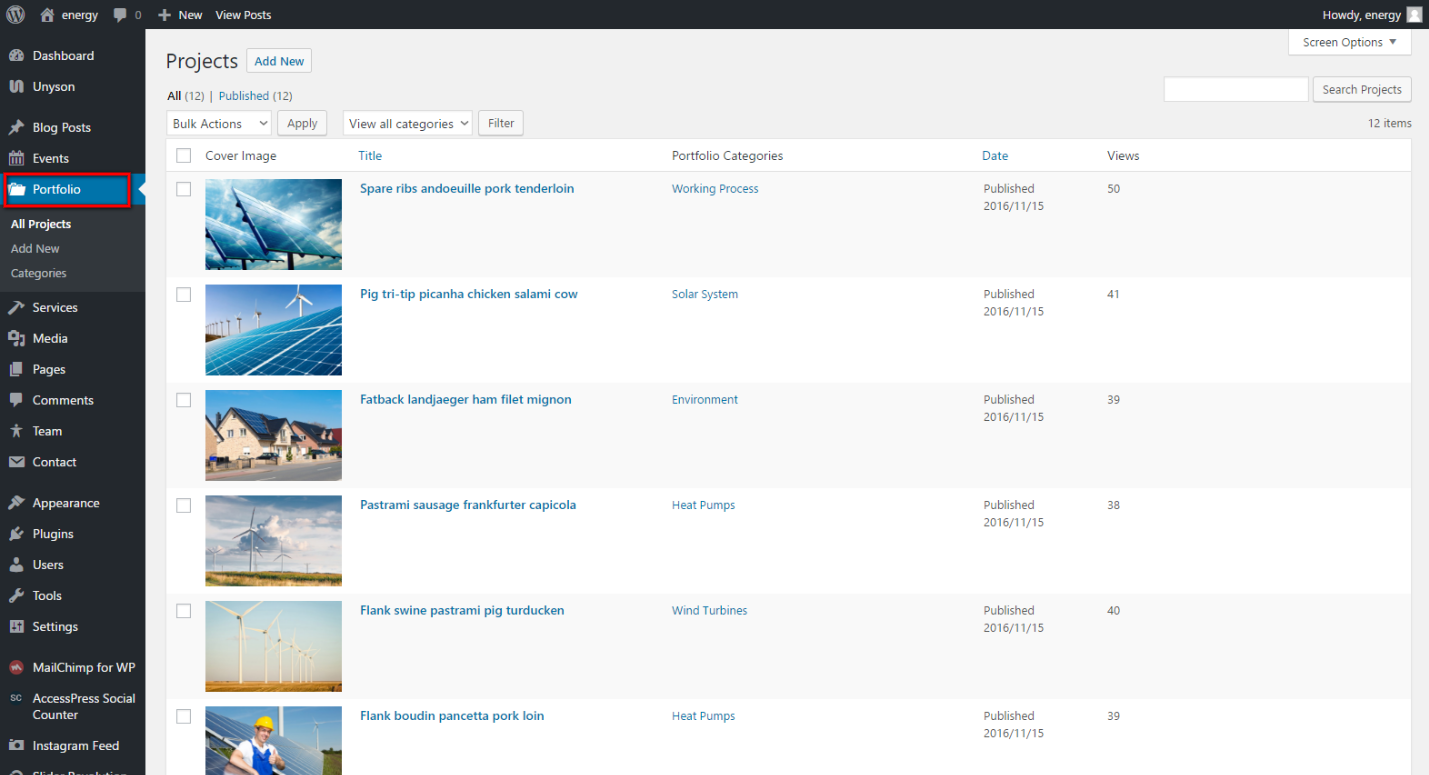
In order to customize your Portfolio, please go in your WP Dashboard => Portfolio => All projects:
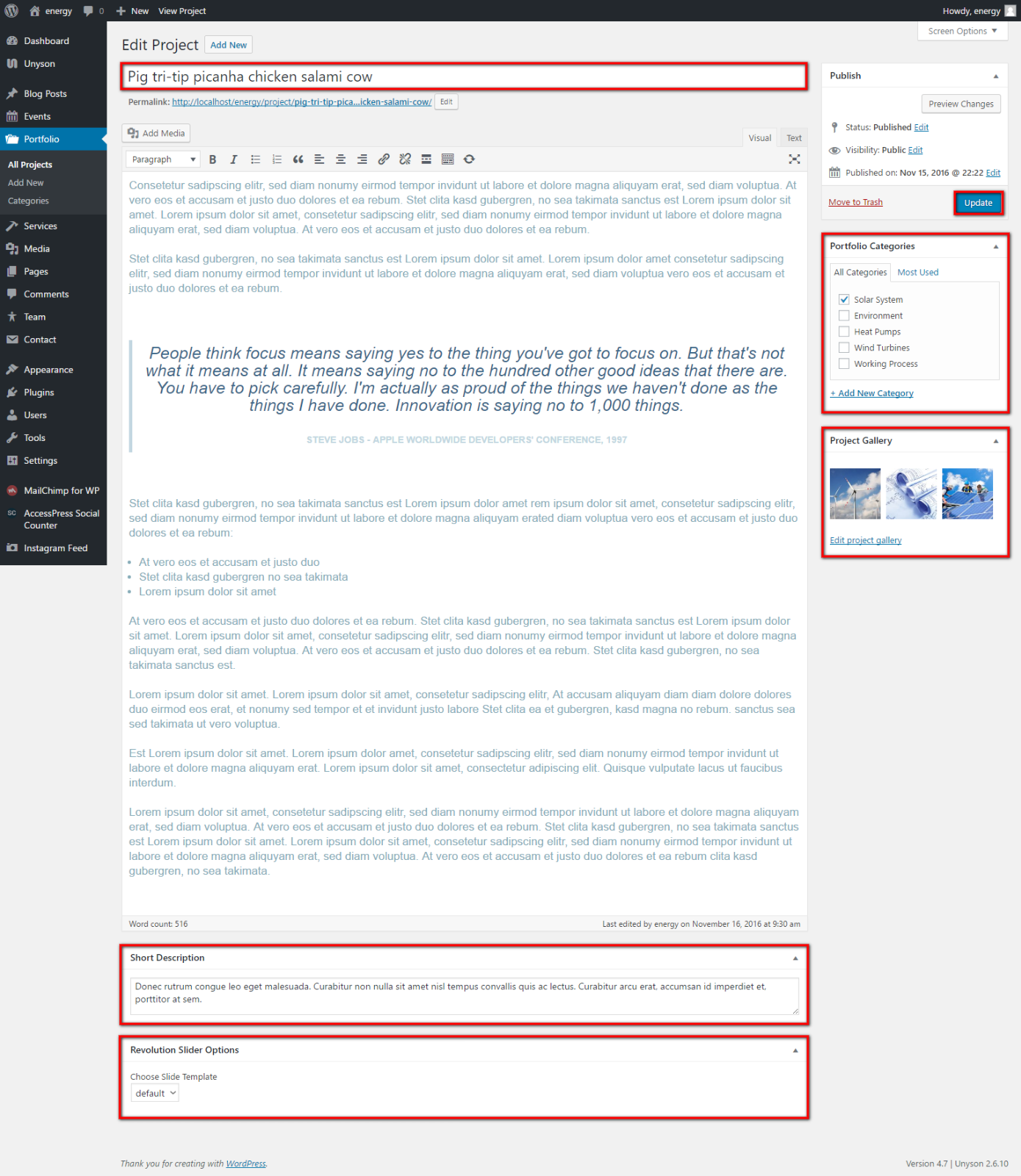
Click any of existing projects and you will be able to edit it:
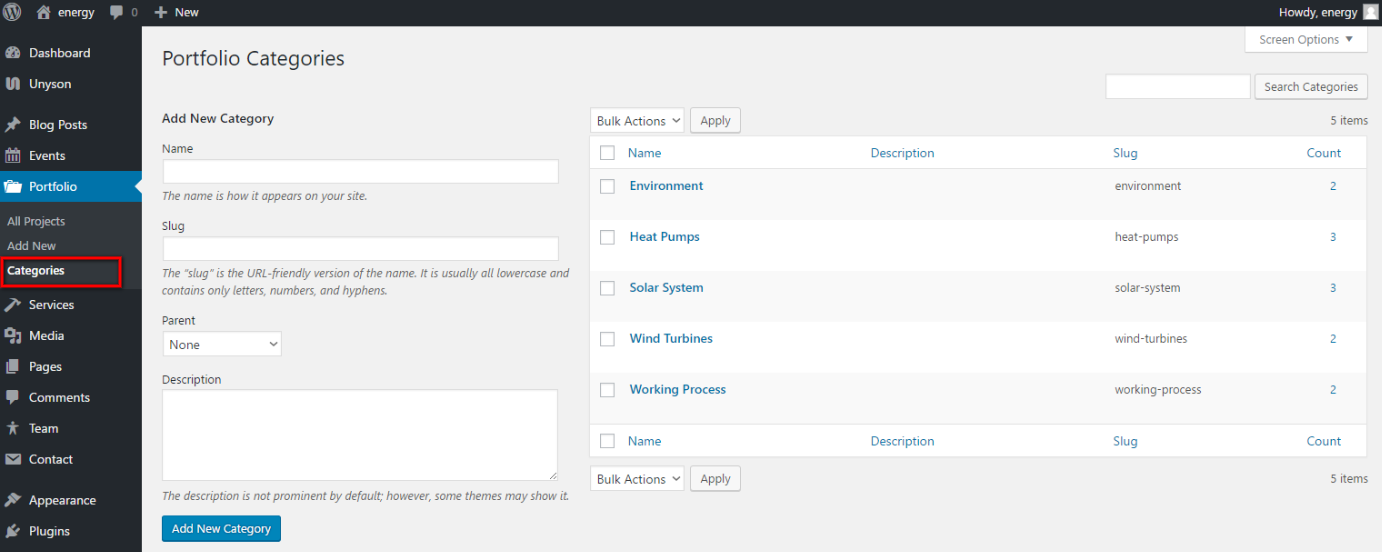
Besides you can find heaps of options for additional customization if you click Portfolio => Categories:
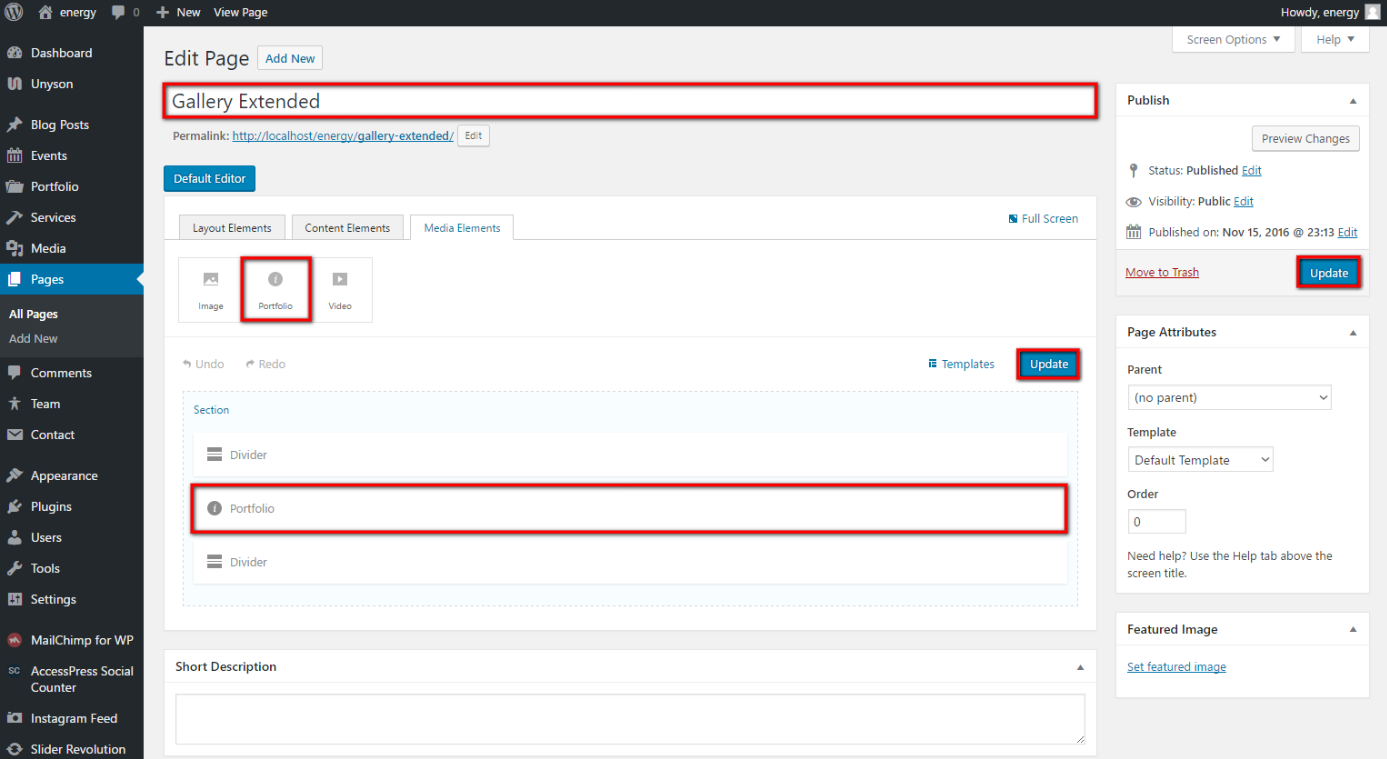
After selecting all the necessary options for Portfolio you may update it and then choose it via Unyson Drag & Drop Page Builder for any page as Widget:
Events Customization:
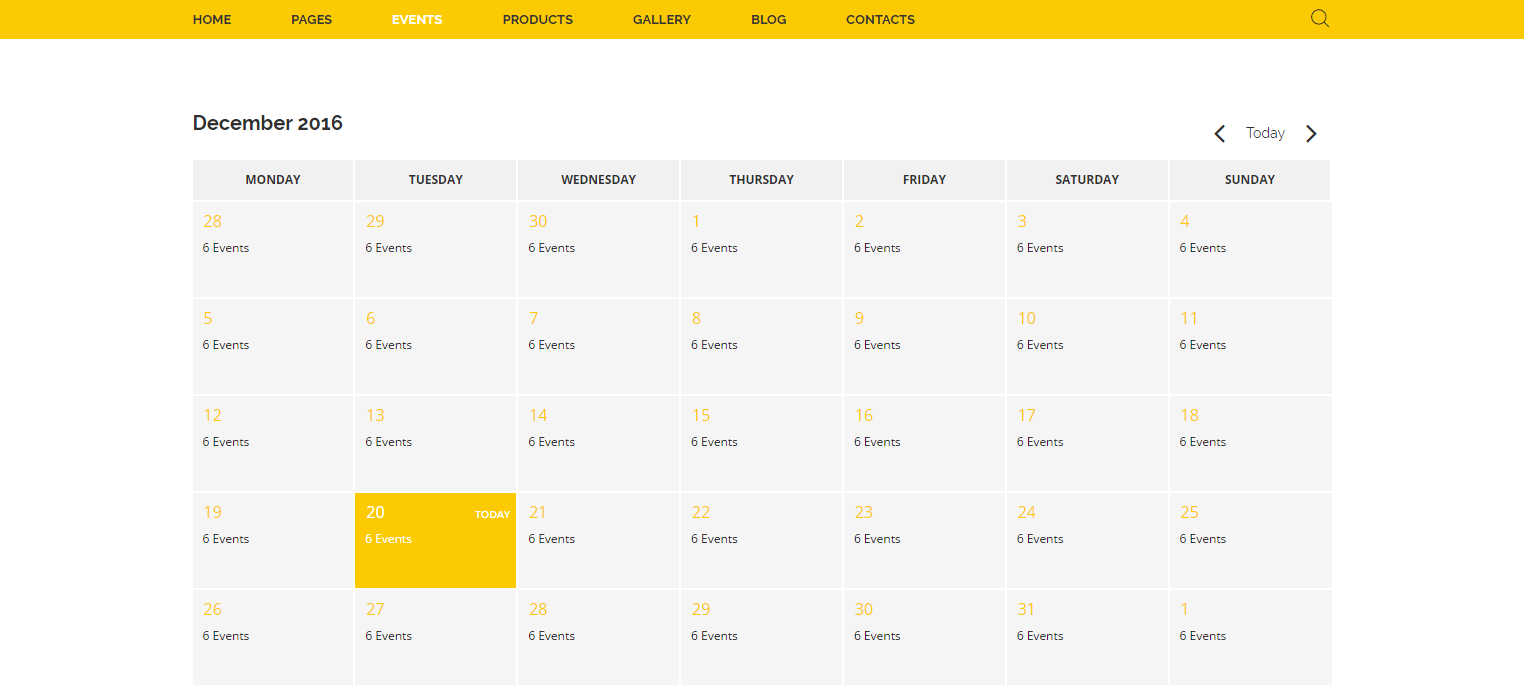
Solar Energy theme has very useful feature: Events. With the help of this Unyson extension you can add a fully fledged Events module to your theme. It comes with built in pages that contain a calendar where events can be added.
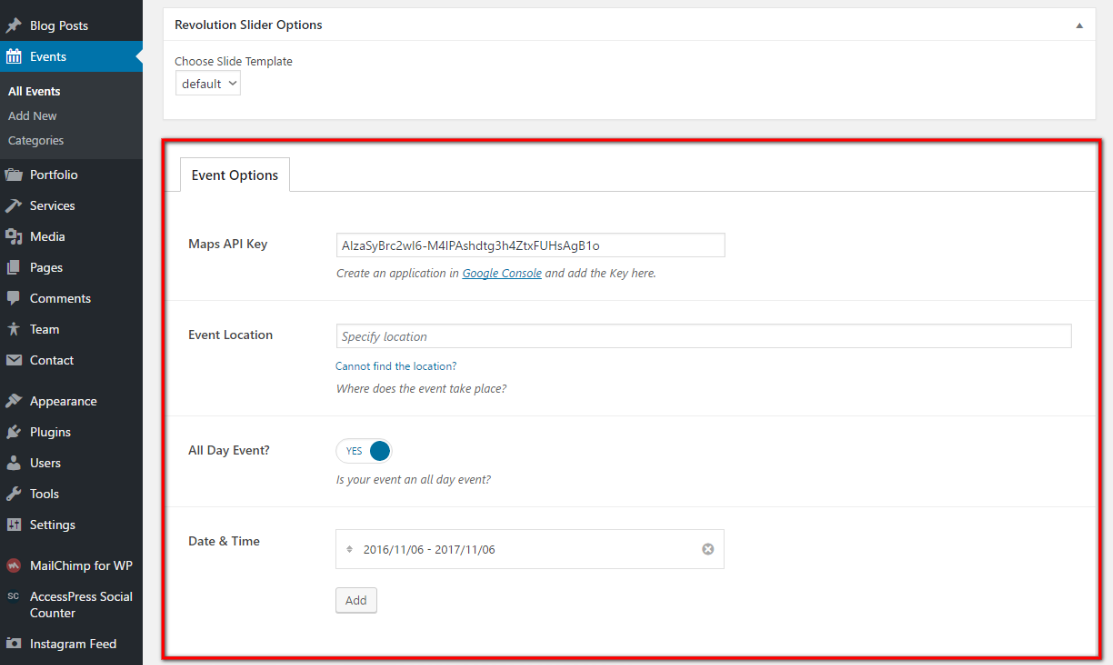
For every Event available additional settings. Click any Event and you will see them. Please note, that you need your own Google Maps API Key in order to specify the exact place and location for event.
You may refer to the topic Google Maps API manual in Plugins Description of our documentation:
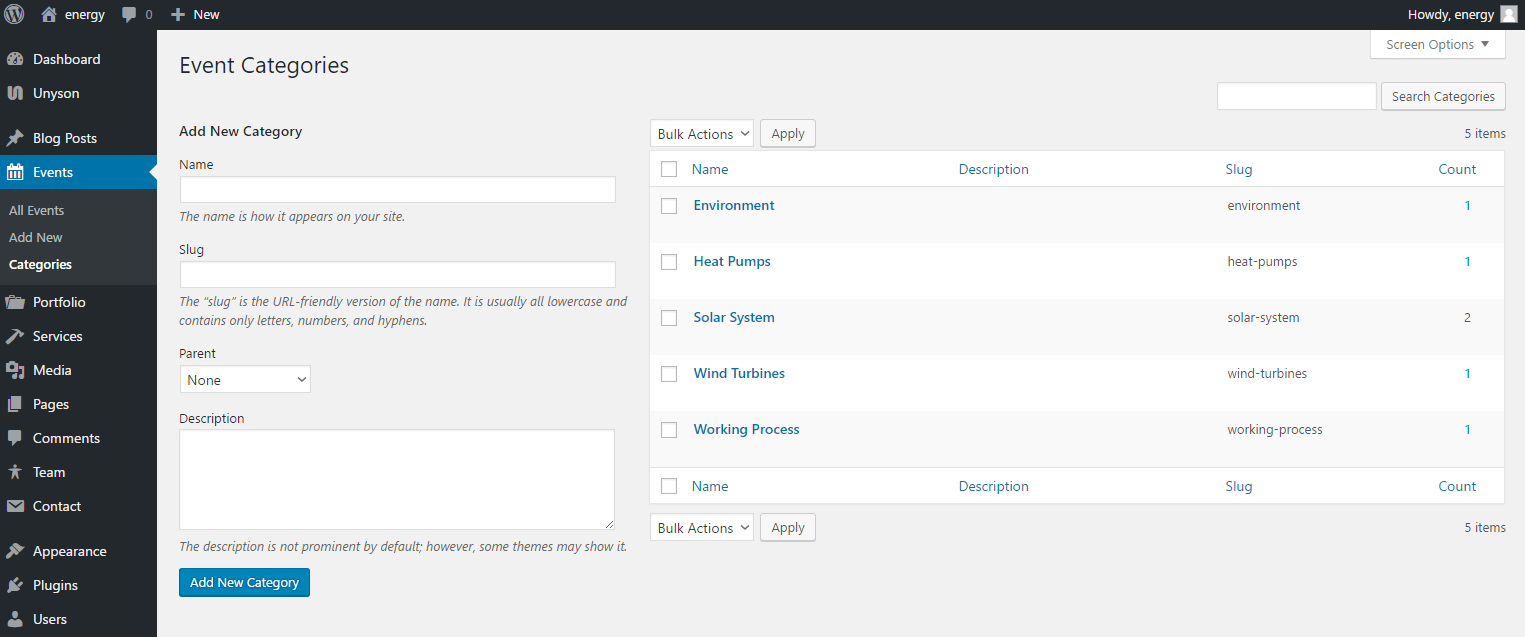
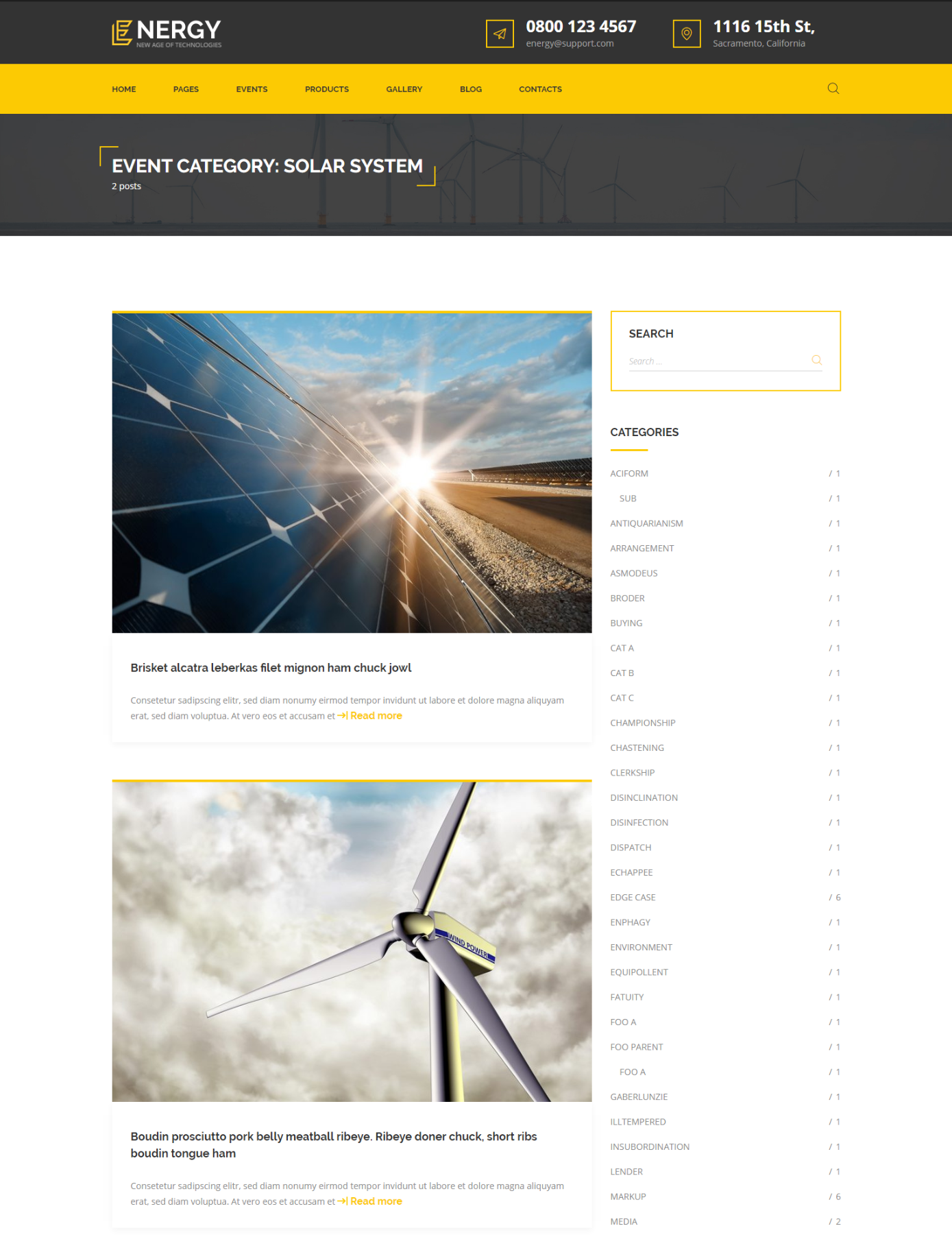
It is possible to create categories for events and choose for every event a proper category:
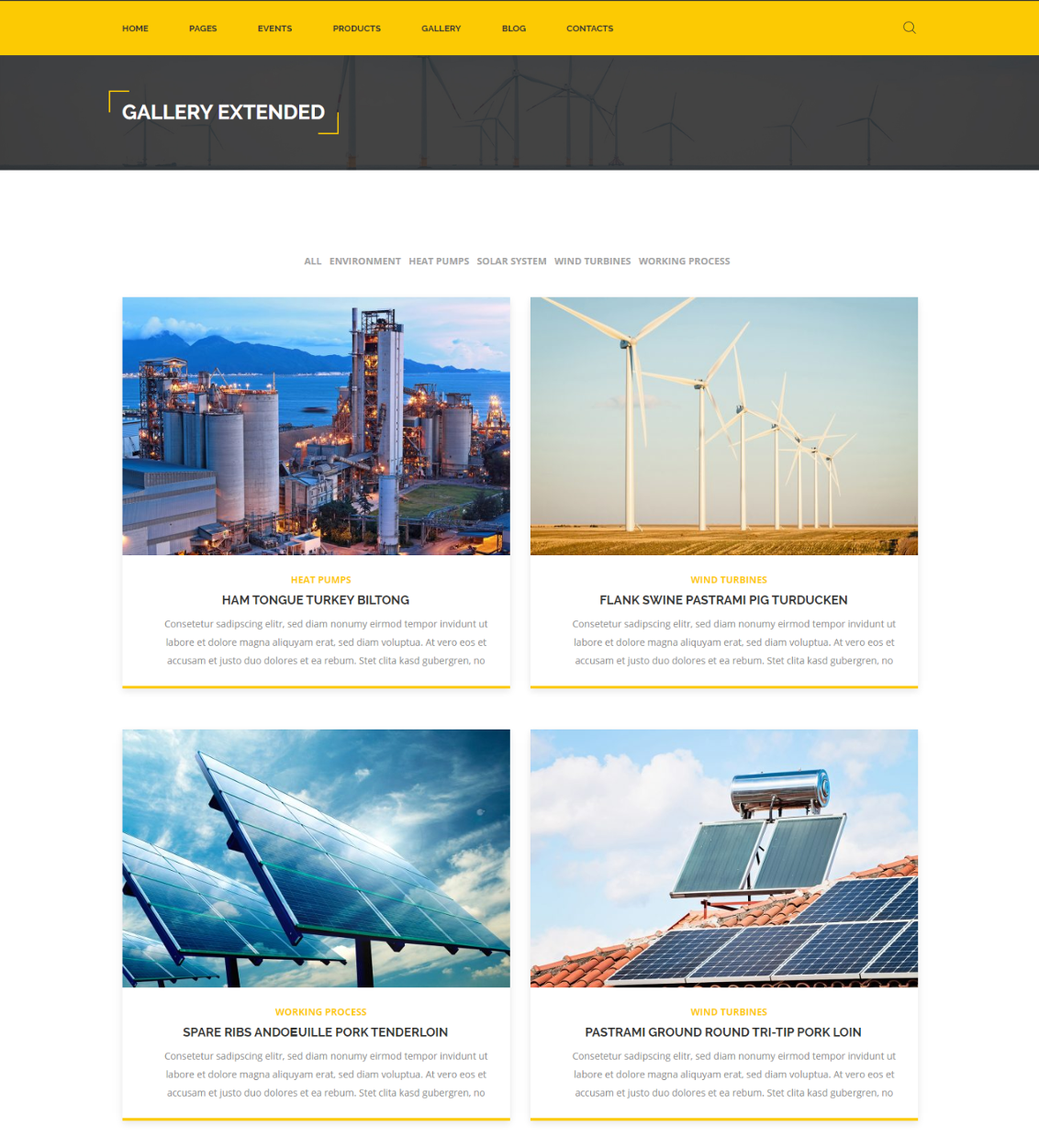
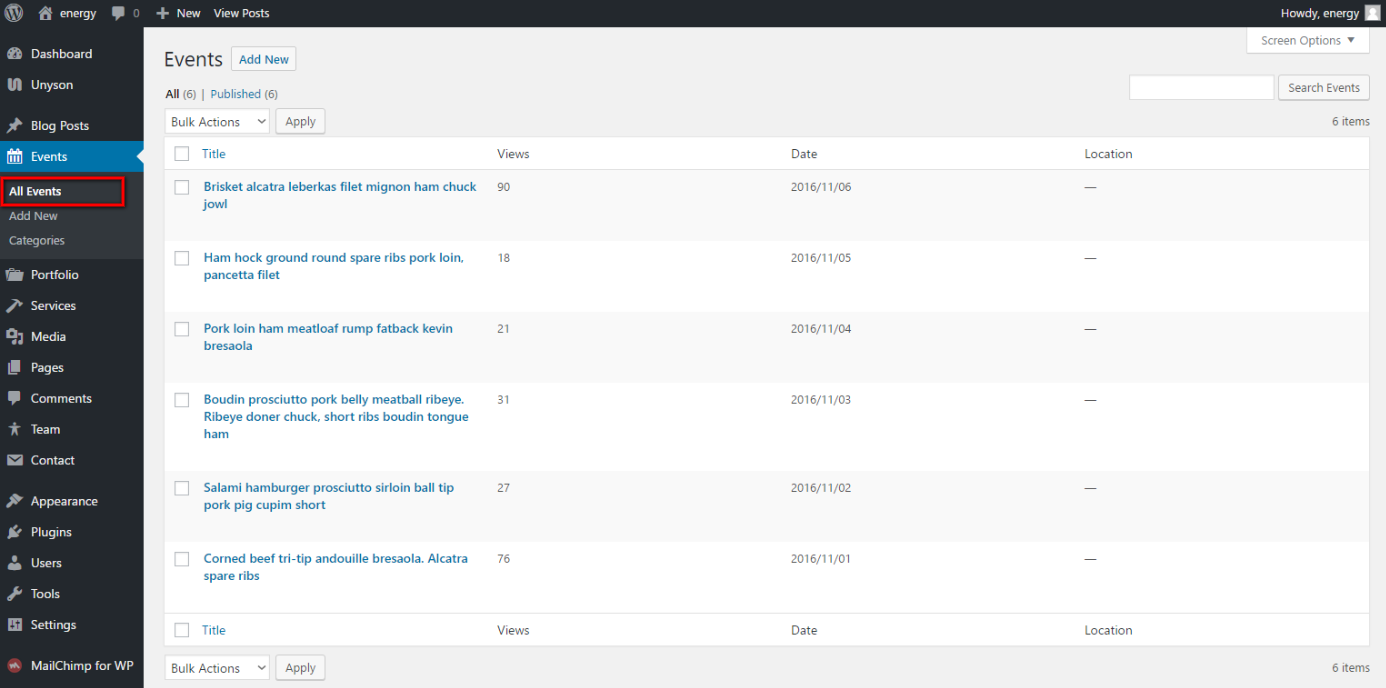
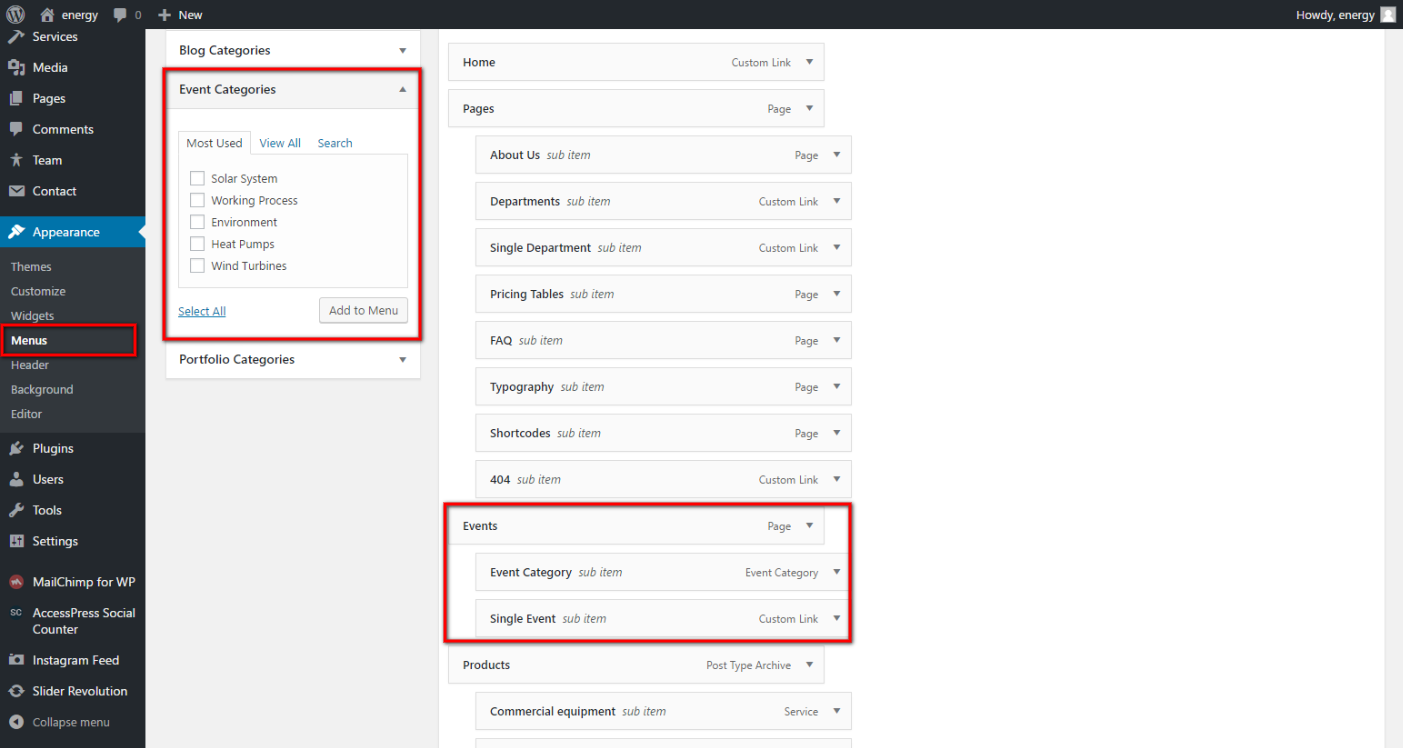
All events are displayed at the Events page and present in Menu structure:
It is very useful extension which help to inform all the visitors of your site about important events: